> ## Documentation Index
> Fetch the complete documentation index at: https://statsig-4b2ff144-serverless-cloudflare.mintlify.site/llms.txt
> Use this file to discover all available pages before exploring further.
# RevenueCat
## Overview
Enabling the RevenueCat integration allows Statsig to pull billing, subscription, and revenue metrics into your Statsig projects. This provides easy mechanisms to optimize purchases and revenue by using Statsig's feature gates or experimentation tools without any additional logging.
Statsig integrates with RevenueCat through a Webhook and receives data as mentioned [in the RevenueCat documentation](https://docs.revenuecat.com/docs/webhooks)
## Configuring Incoming Metrics
1. Copy your **Statsig Server Secret Key** from the [API Keys](https://console.statsig.com/api_keys) tab in the Statsig console.
2. Navigate to your app in the RevenueCat dashboard and choose **Statsig** from the Integrations menu.
3. Enter your **Statsig Server Secret** and click **Save**.
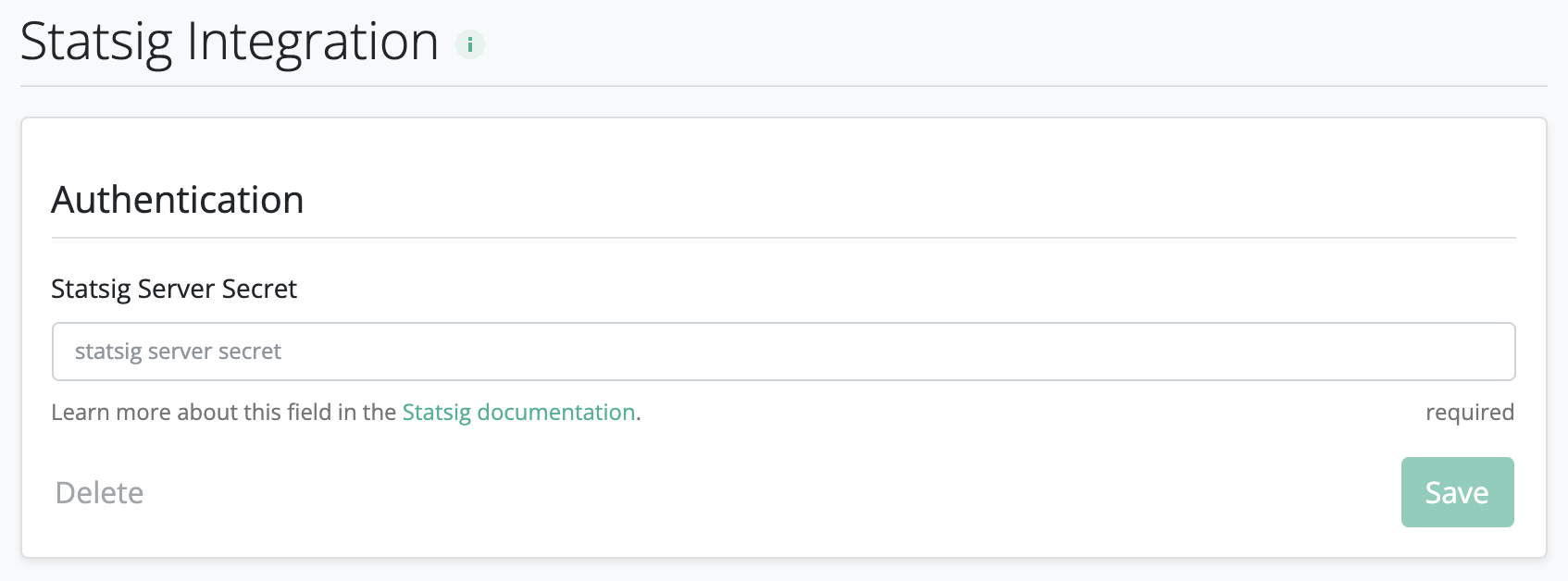 4. On the Statsig [Integrations](https://console.statsig.com/integrations) page, enable the RevenueCat integration.
If you're running an experiment with the user as your unit type, you must set the RevenueCat `appUserID` to match the `userID` that you log with the Statsig SDK, for example, when you expose the the user to a Statsig feature gate or experiment. Check out how to set the `appUserID` on RevenueCat [here](https://docs.revenuecat.com/docs/user-ids#provided-app-user-id).
By default, Statsig will not ingest [Sandbox events](https://docs.revenuecat.com/docs/webhooks#testing) from RevenueCat to reduce noise from test events. However, you can explicitly enable ingestion of Sandbox events into Statsig using the Statsig [Integrations](https://console.statsig.com/integrations) page while debugging.
4. On the Statsig [Integrations](https://console.statsig.com/integrations) page, enable the RevenueCat integration.
If you're running an experiment with the user as your unit type, you must set the RevenueCat `appUserID` to match the `userID` that you log with the Statsig SDK, for example, when you expose the the user to a Statsig feature gate or experiment. Check out how to set the `appUserID` on RevenueCat [here](https://docs.revenuecat.com/docs/user-ids#provided-app-user-id).
By default, Statsig will not ingest [Sandbox events](https://docs.revenuecat.com/docs/webhooks#testing) from RevenueCat to reduce noise from test events. However, you can explicitly enable ingestion of Sandbox events into Statsig using the Statsig [Integrations](https://console.statsig.com/integrations) page while debugging.