> ## Documentation Index
> Fetch the complete documentation index at: https://statsig-4b2ff144-serverless-cloudflare.mintlify.site/llms.txt
> Use this file to discover all available pages before exploring further.
# Verified Metrics
> Mark trusted, curated metrics as verified to help teams identify reliable metrics for experiments.
This is an Enterprise feature, please reach out to our [support team](mailto:support@statsig.com), your sales contact, or via our slack channel if you want this enabled.
Verified metrics are a way to identify metrics that are curated by your company and known to be trustworthy. When users set up experiments and search for metrics, they'll see a verified icon next to verified metrics.
 You choose to verify metrics from the overflow menu on the Metric.
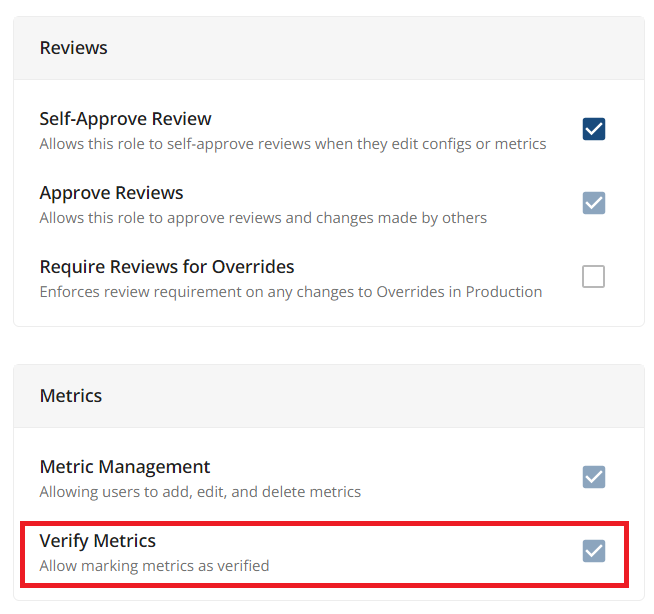
 Admins can control which roles are able to verify metrics.