How to use Turbo
When loading pulse, there is a checkbox to enable Turbo mode. Subsequent scheduled loads use the last setting. Note that using Turbo Mode changes the shape of the underlying data, so switching back to standard analysis requires a full reload with Turbo Mode disabled. There is also a project-level setting for Turbo Mode being on or off by default in a project’s experimentation settings.What Turbo Mode Removes
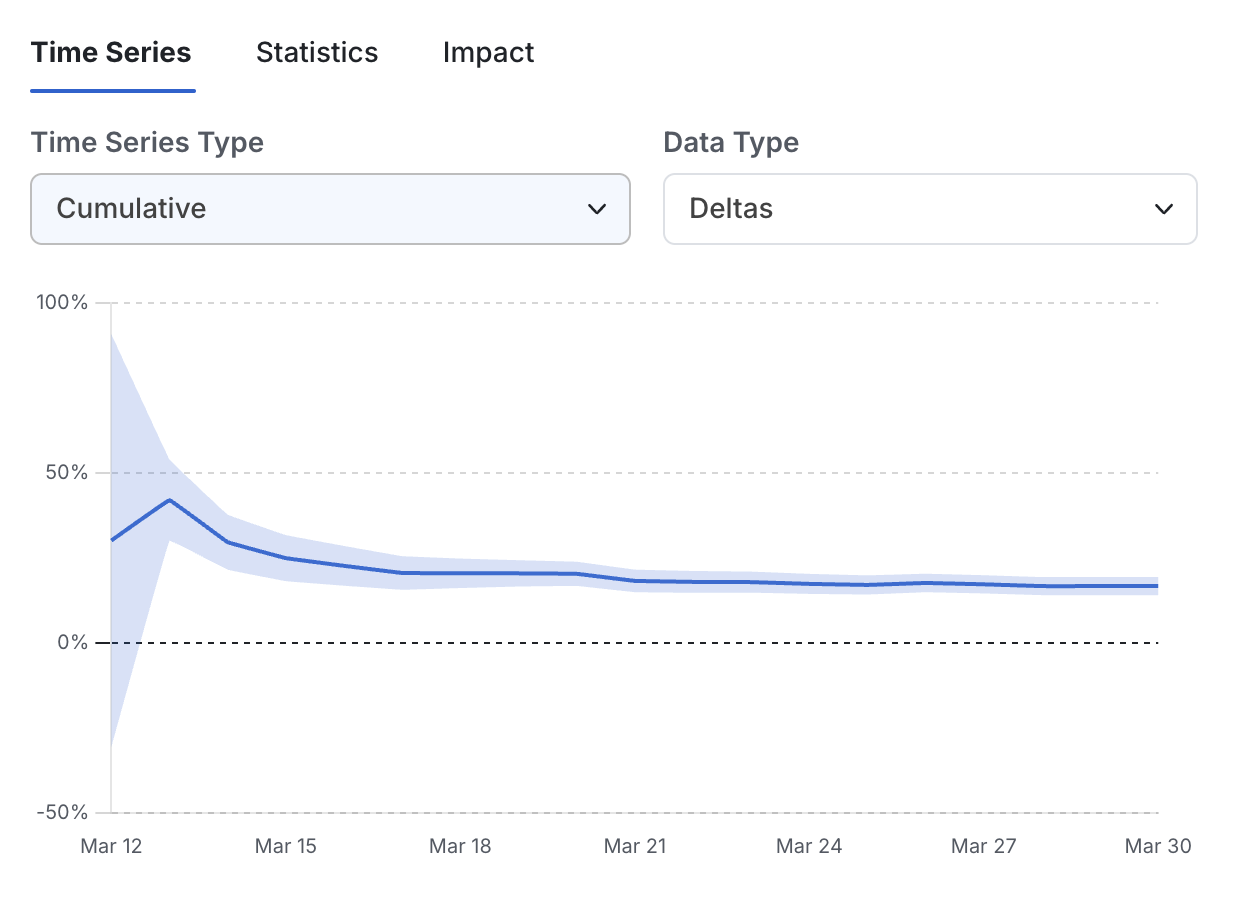
Turbo removes two functionalities from Statsig. The first is the ability to click into the date picker and see pulse results “as of” various historical dates. The second - and associated - is the cumulative timeseries. These will both exist if an experiment is loaded daily using incremental reloads, but they may miss dates if there are gaps in the loading schedule, and they will not retroactively update when a full reload is run.